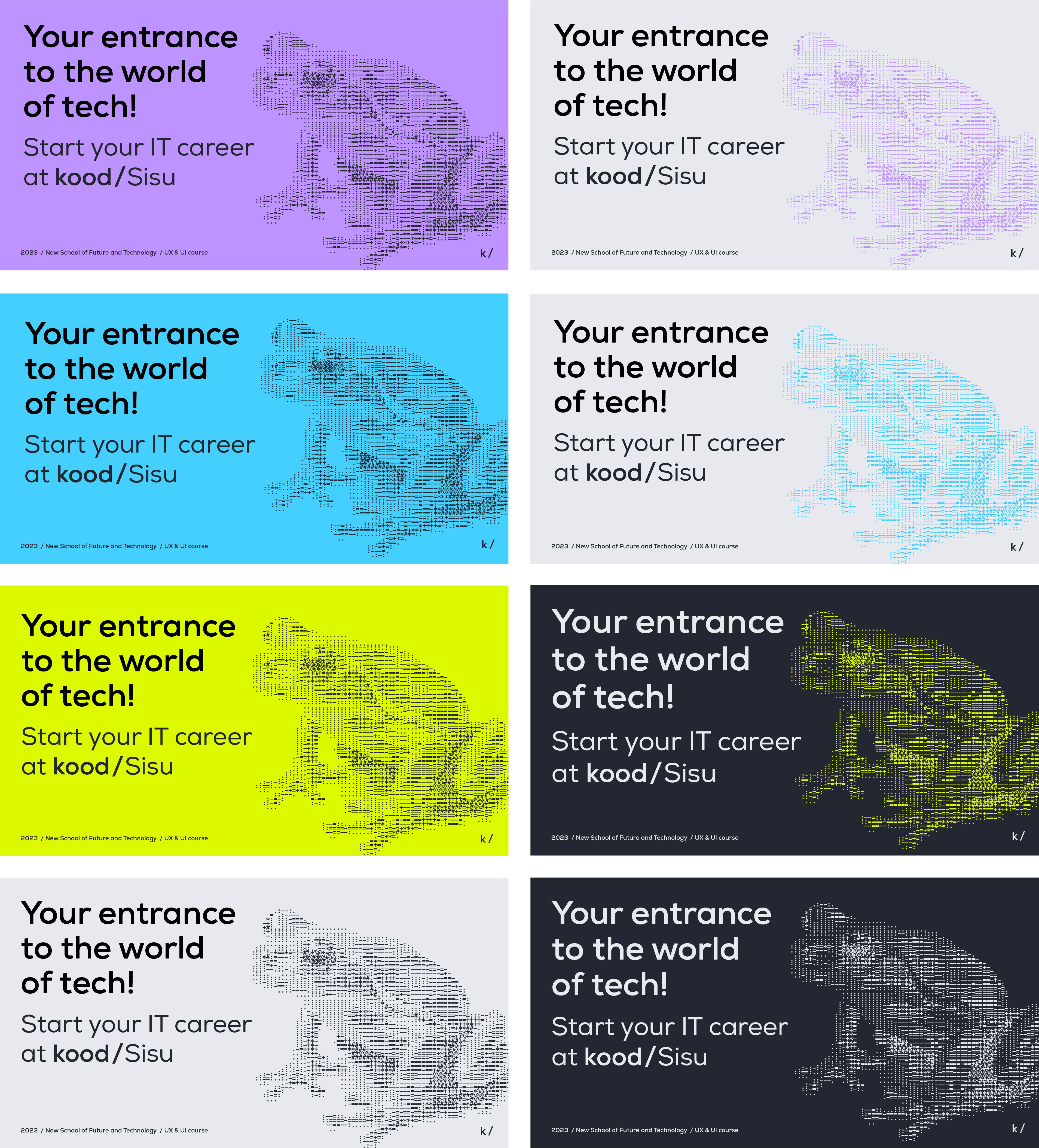
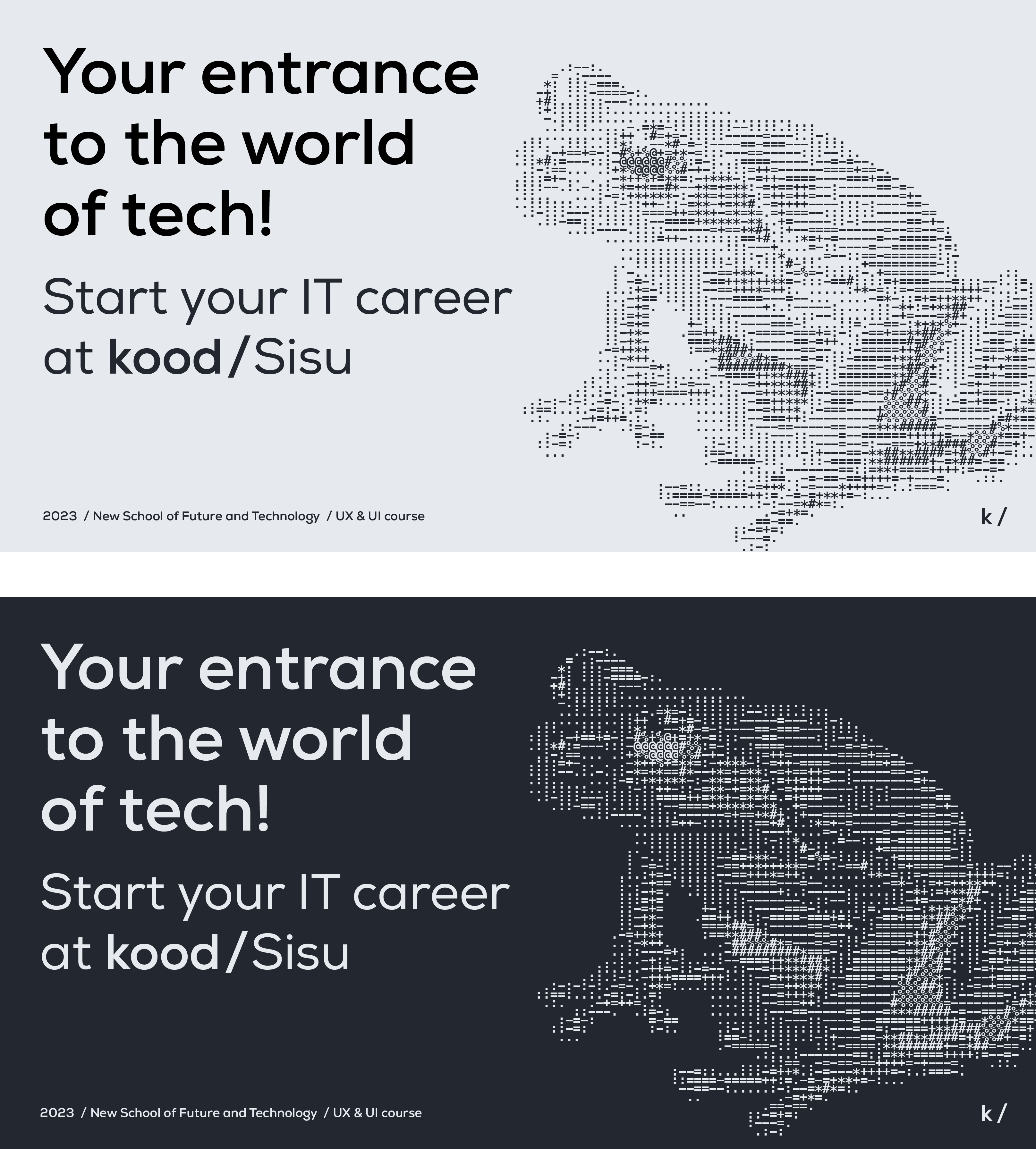
Photos converted to ASCII
Use text-based art in places where visual excitment is needed.
Examples here are made with online tool https://convertcase.net/ascii-art-generator/, text is pasted into Adobe Illustrator in Menlo Bold font.
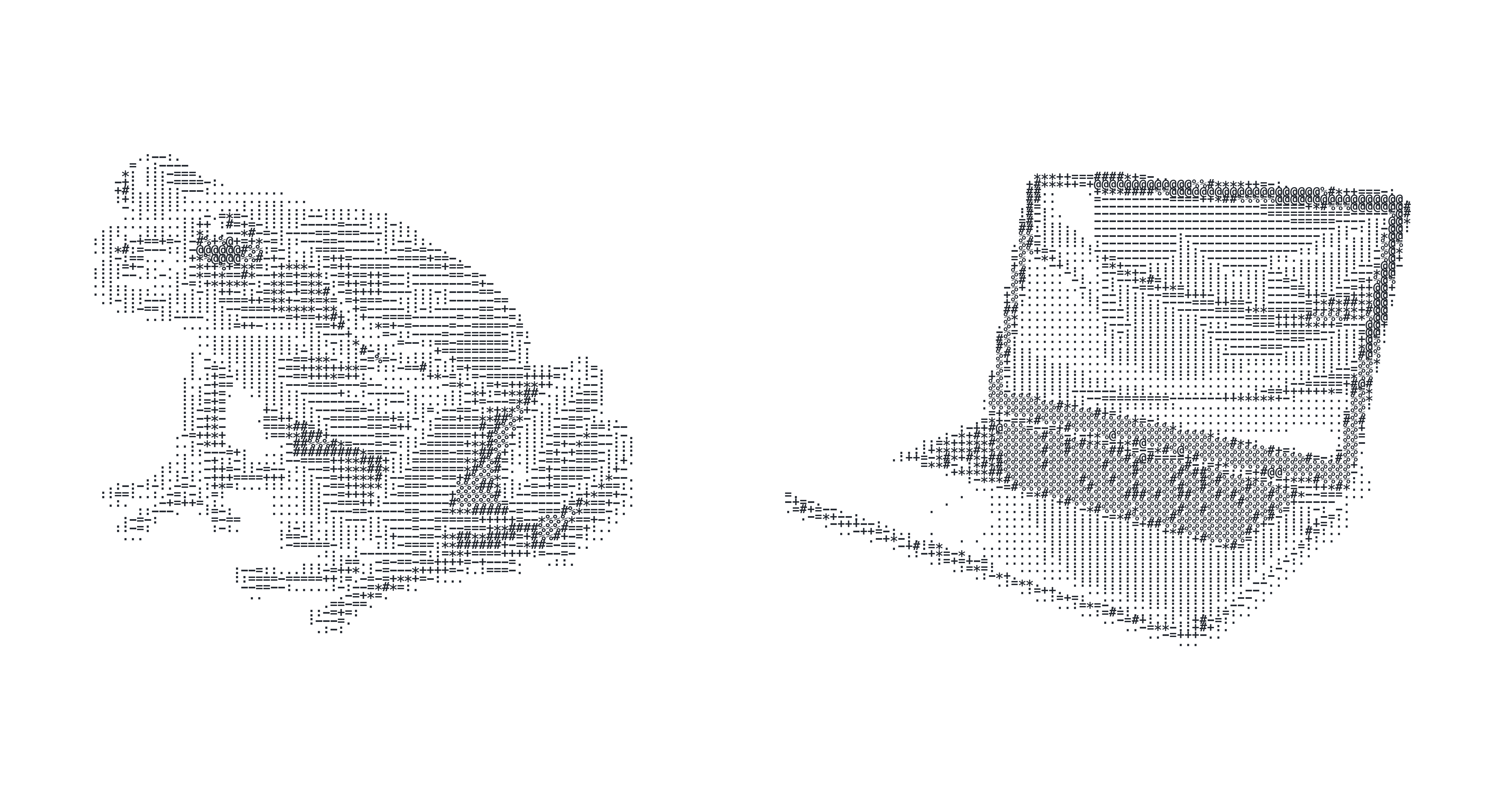
How to make new illustrations
STEP 1
Find a reference photo
White background, minimal shadows.
Best with lots of midtones and not full contrast black and white main element.

STEP 2
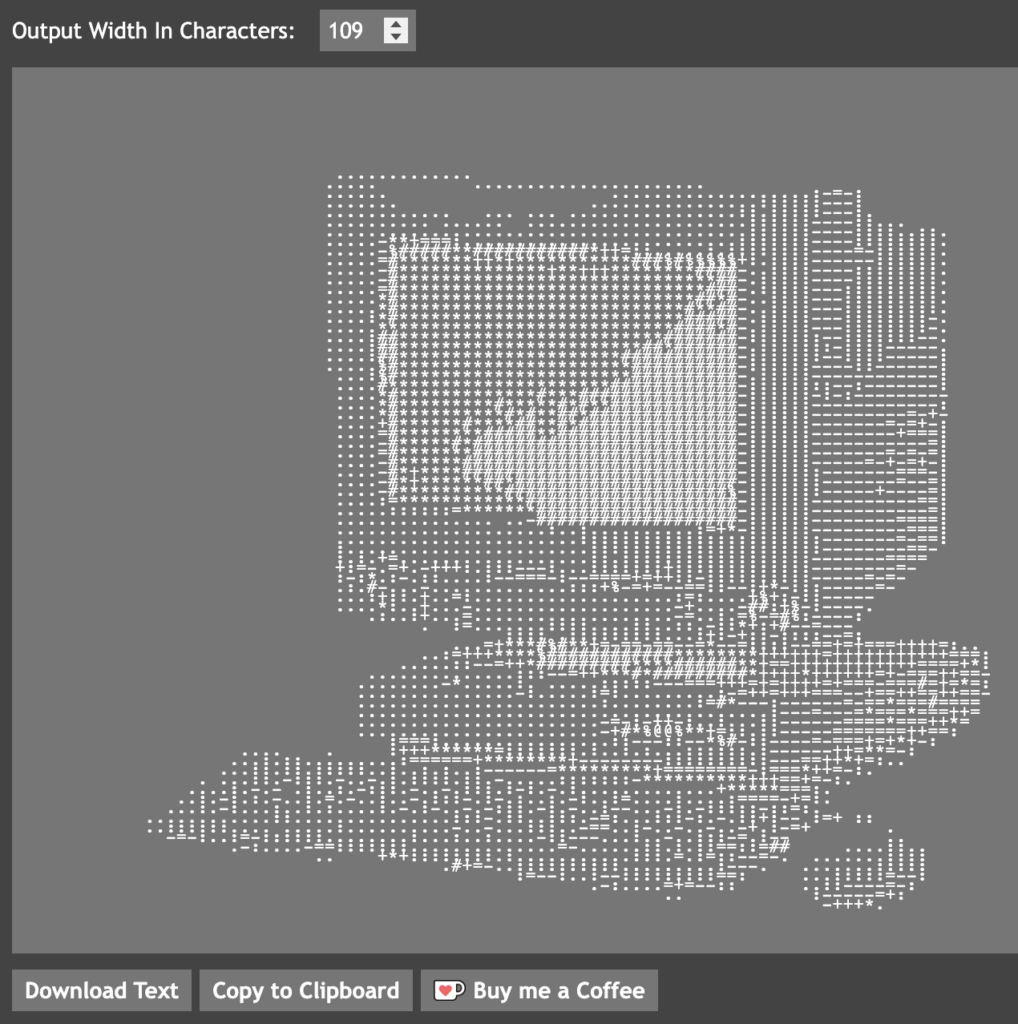
Find an ASCII generator online
for example:
https://convertcase.net/ascii-art-generator/
Adjust Output Width In Characters. Somewhere between 50 and 120 is probably fine.
Download Text
STEP 3
Copy generated text
Open the downloaded text file.
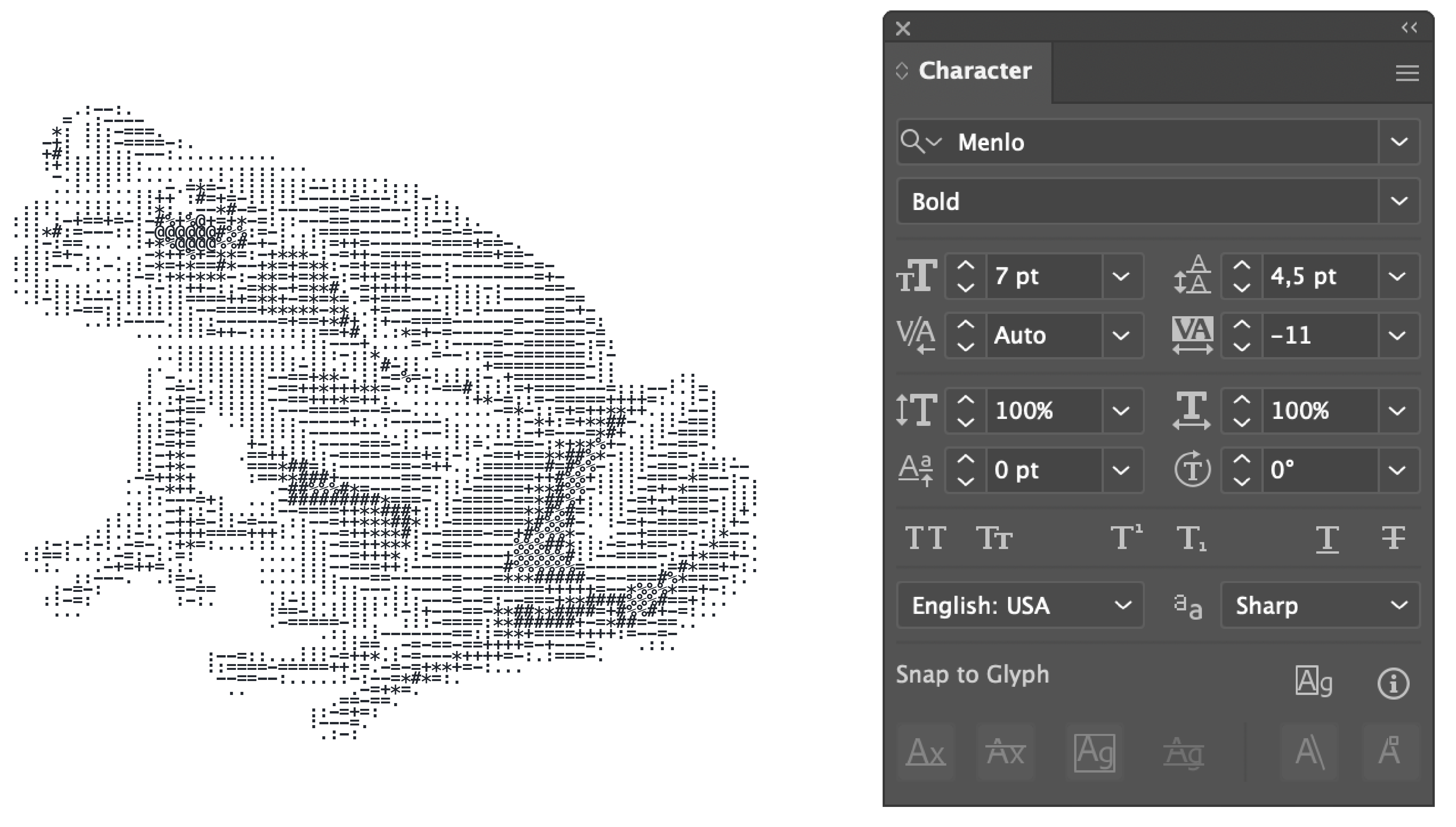
Paste the text into design or text editing software e.g. Adobe Illustrator.
Choose Menlo Bold as the font.
Change character preferences to adjust proportions of the image (font size, line height, spacing, color etc).
STEP 4
Use image in design
STEP 5
Choose colors
Use your school’s colors or //kood main colors